
![5 Ways to Speed Up Development Without Sacrificing Quality [Blog Banner 16_9]](https://uphotel.agency/wp-content/uploads/2026/02/5-Ways-to-Speed-Up-Development-Without-Sacrificing-Quality-Blog-Banner-16_9-1920x1080.webp)
When you’re building custom WordPress builds from Figma designs, speed rarely comes down to how fast you can write code. Most delays come from uncertainty, like second-guessing decisions, rebuilding things that didn’t need rebuilding, or going back and forth during feedback.
The difference between a smooth build and a frustrating one usually comes down to how the developer handles the gaps between those stages.
Here are five things that have genuinely helped me move faster without lowering standards.
Use the Design Handover to call out what’s already been used elsewhere
One of the easiest wins is using the design handover to explicitly point out blocks that already exist or are very close to something we’ve built before.
This isn’t about pushing back on design. It’s just about being honest about what’s already solved.
During handover on custom WordPress builds, it helps confirming with the designer whether a block already exist, it’s a block that’s been done before but needs adapting slightly, or whether it’s a completely new block.
Lean on other developers’ knowledge when building WordPress blocks
One of the fastest ways to unblock yourself is to ask someone who’s already been there.
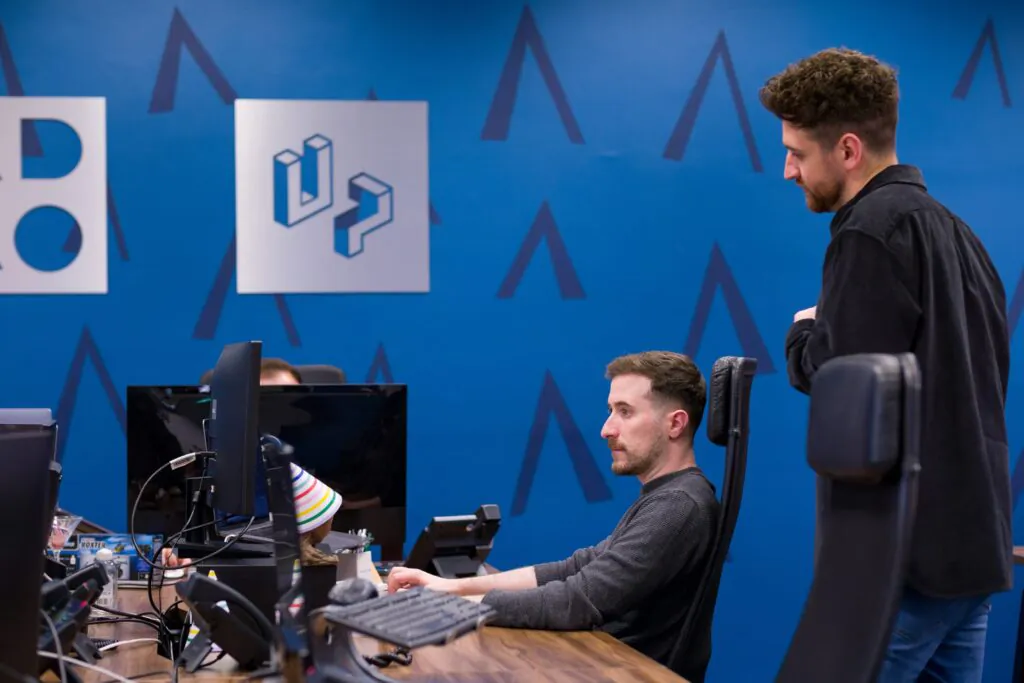
If a block looks familiar, or you’re unsure how it was handled on a previous build, a quick chat with another developer can save hours of trial and error. Someone else on the team may already know:
- How a similar block behaves
- What issues came up with it before
- What’s safe to reuse and what isn’t
That shared context is hard to replace with documentation alone.
Use your resources instead of reinventing the wheel
Not every problem needs a bespoke solution.
When you hit something unfamiliar, whether that’s a unique layout, a CSS quirk, or a WordPress oddity, 9 time out of 10 it’s often faster to lean on existing knowledge than to figure it out alone.
That might mean:
- Checking Stack Overflow for a known pattern
- Skimming official documentation
- Or yes, even using AI to sanity-check an approach
Used properly, these tools don’t replace thinking, instead they accelerate it.
If you know what you’re trying to achieve but not the cleanest way to do it, a quick search or prompt can get you 80% of the way there, faster than starting from scratch.
The key is using these resources deliberately, not blindly pasting code and hoping for the best.
Build with the review stage in mind
Speed isn’t just about finishing a block so you can move onto the next one, it’s about getting it right and making sure that the feedback for that section is non-existent (or minimal at the very least).
When building, it helps to think ahead to how it’ll be reviewed:
- Keep behaviour consistent with similar blocks
- Avoid unnecessary variations
- Flag intentional differences early
When intent is clear, feedback stays focused. When it isn’t, reviews turn into exploration sessions, and those always take longer.
Finish things properly before moving on
Half-finished blocks are a hidden time sink.
It’s tempting to move on once something is “mostly there”, but that usually creates more work later. Context switching, fragmented feedback, and revisiting old code all add up.
When a block is done and you’re ticking that task off your list, it should actually be done.
Speed doesn’t come from rushing or cutting corners. Most of the time, it comes from removing uncertainty before it turns into rework.

Being clear at handover, leaning on the people and resources around you, and finishing things properly all do the same thing: they make the build more predictable. And predictable builds move faster almost by default.
None of this is about working harder or longer. It’s about making fewer avoidable decisions, asking better questions earlier, and not solving the same problem twice.
When a build feels calm rather than frantic, it’s usually a sign the process is working.
![Up Webaward 2025 Winners Cover [Blog Hero]](https://uphotel.agency/wp-content/uploads/2026/03/Up-Webaward-2025-Winners-Cover-Blog-Hero-800x450.webp)
![5 Ways to Speed Up Development Without Sacrificing Quality [Blog Banner 16_9]](https://uphotel.agency/wp-content/uploads/2026/02/5-Ways-to-Speed-Up-Development-Without-Sacrificing-Quality-Blog-Banner-16_9-800x450.webp)